A customer uploads a photo of a room or a building’s exterior. In a few seconds the AI finds the walls and paints them in the chosen colour, keeping the photo’s real light, shadow and texture.
Overview
Rangnama is a Houshiva product for paint sellers and manufacturers. The hardest step in buying paint is deciding: customers can’t tell how a colour from the catalogue will look on their own walls. In Rangnama they upload one photo (or pick a sample room). The AI separates the walls from furniture, windows, frames and ceiling, and paints them with any colour from the catalogue. The result is shown next to the original with a before / after slider.
The problem
Typical paint simulators either work on staged, cartoonish photos or pour a flat colour over the image and destroy the real light and shadow, so customers don’t trust the result. Cloud services charge per image and send photos of people’s homes to a third-party server.
The solution
An image-processing engine that finds walls with computer-vision models and recolours them in the Lab colour space. Only the colour changes. The brightness, shadow and texture of every pixel stay untouched. All processing runs on the seller’s own server, so there is no per-image cost and customer photos never leave the system.
How I built it
- 01
Surfaces are detected with a semantic segmentation model (Mask2Former), and mask edges are refined with SAM and an edge filter so paint doesn’t spill onto the ceiling, cabinets or mouldings.
- 02
The colouring engine works in Lab space. It keeps the lightness channel and swaps only the colour, then composites in linear light so the result looks natural.
- 03
A smart brush for manual fixes: one click selects or removes a region, and the colour-aware brush only picks up pixels of the same colour. Corrections apply as soon as the brush is released.
- 04
Users can choose what gets painted (walls, walls and ceiling, ceiling only), the ambient light (natural, warm, cool, night) and the colour strength.
- 05
Sample rooms come with pre-computed masks so results show instantly and precisely.
- 06
Alongside the preview there is a paint quantity calculator, a ready-to-send suggestion card for customers, a consultation request form, and a management dashboard for usage stats and popular colours.
- 07
The whole system is packaged with Docker and runs on a server without internet access.
Features
- Automatic wall and ceiling detection with AI
- Realistic colouring that keeps light, shadow and texture
- Before / after comparison slider on the image
- Smart brush for quick corrections
- Ambient light and colour strength options
- Colour catalogue with families and suggested palettes
- Paint quantity and cost calculator
- Colour suggestion card to send to customers
- Consultation requests (sales leads)
- Management dashboard with usage stats
- Fully local processing, with no per-image cost
- Dark and light themes, mobile friendly
Result
A tool that turns the customer’s decision from “guessing from a catalogue” into “seeing the colour on my own wall”. For the seller it is a sales tool and also a source of data on popular colours and interested customers.
Technologies
Karnama: smart job search app
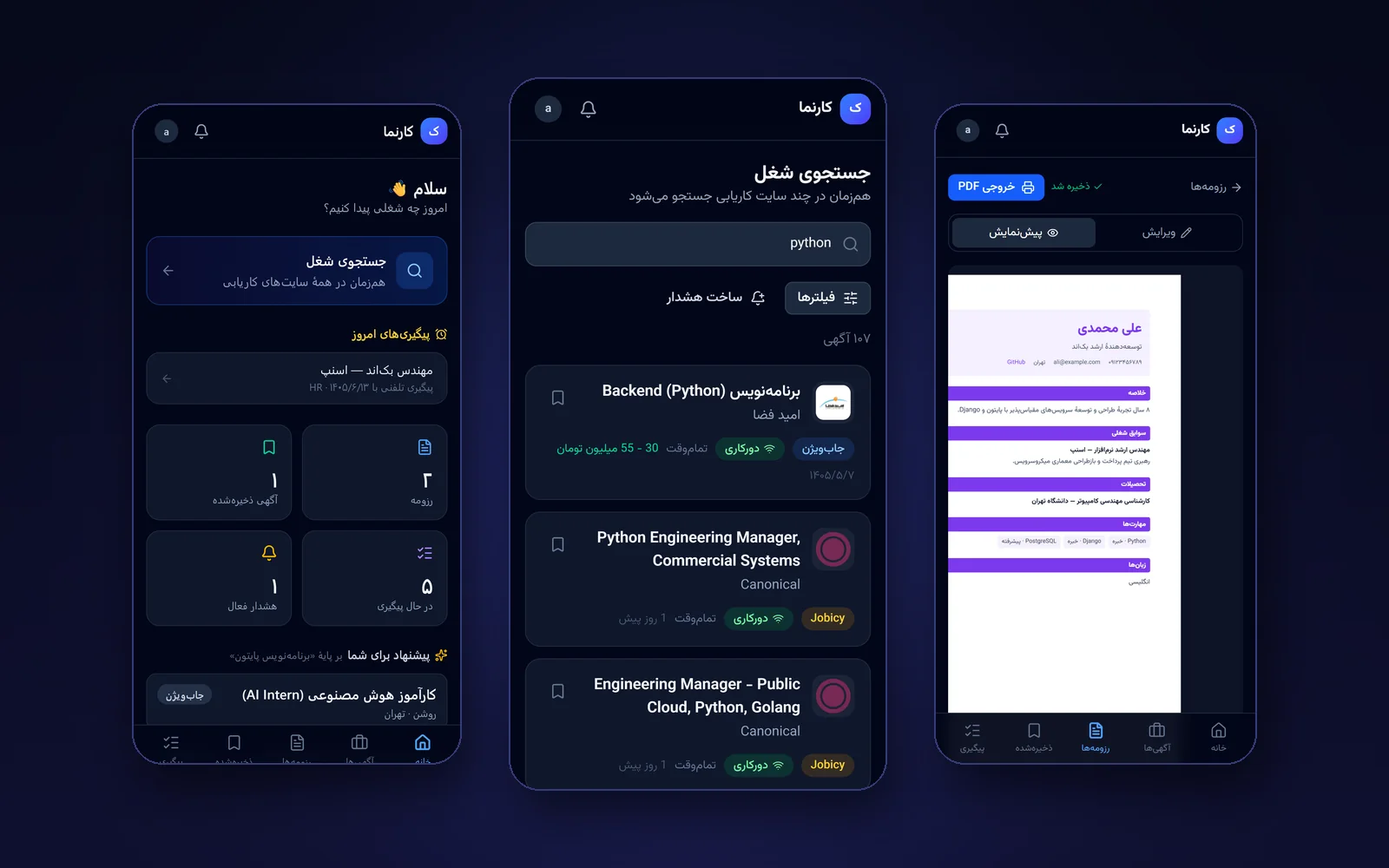
A mobile-first app for job seekers: search several job boards at once, build a Persian résumé and track every application.
View project details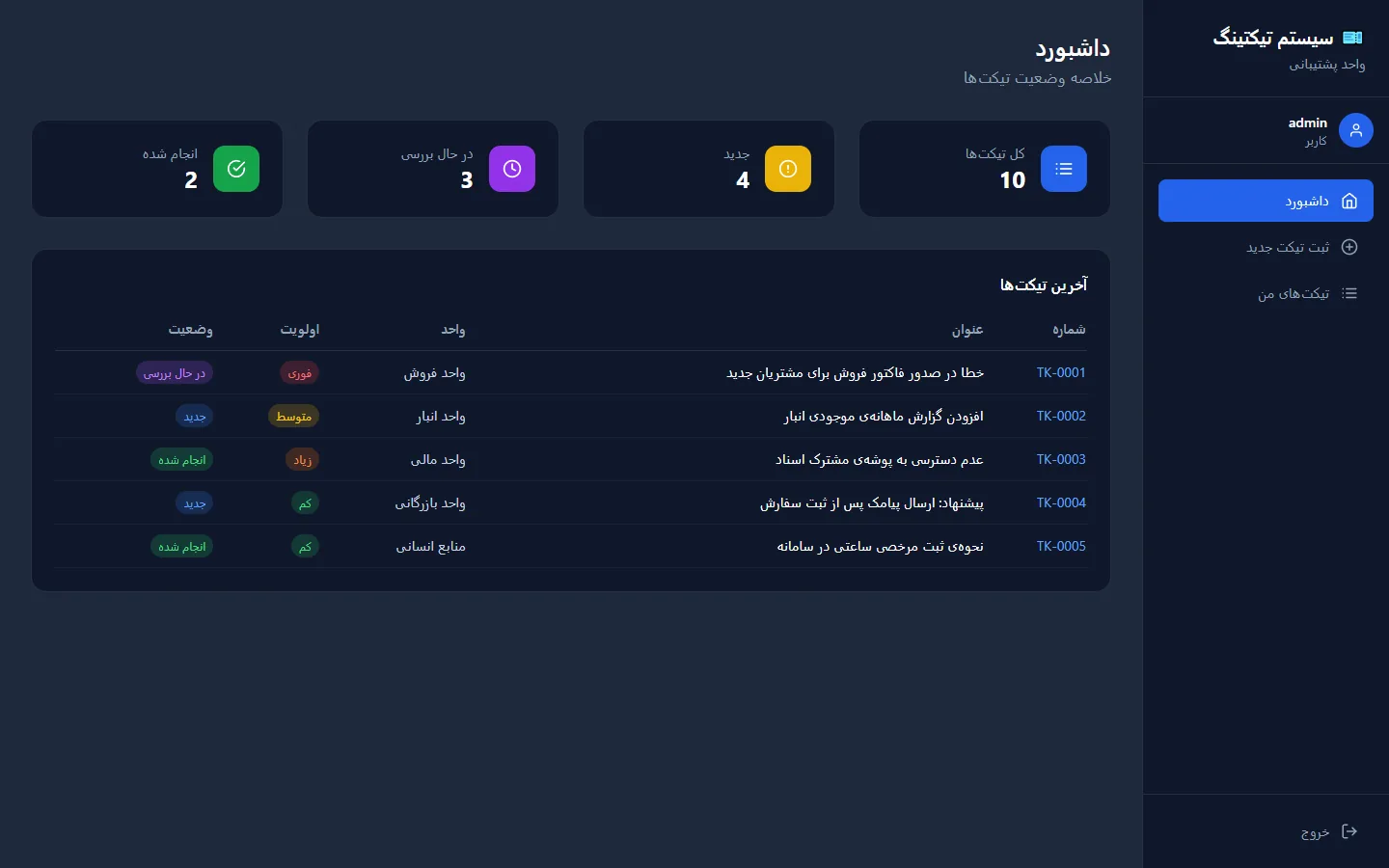
Support ticket management system
Logging and tracking internal support requests, with a status workflow and role-based access.
View project details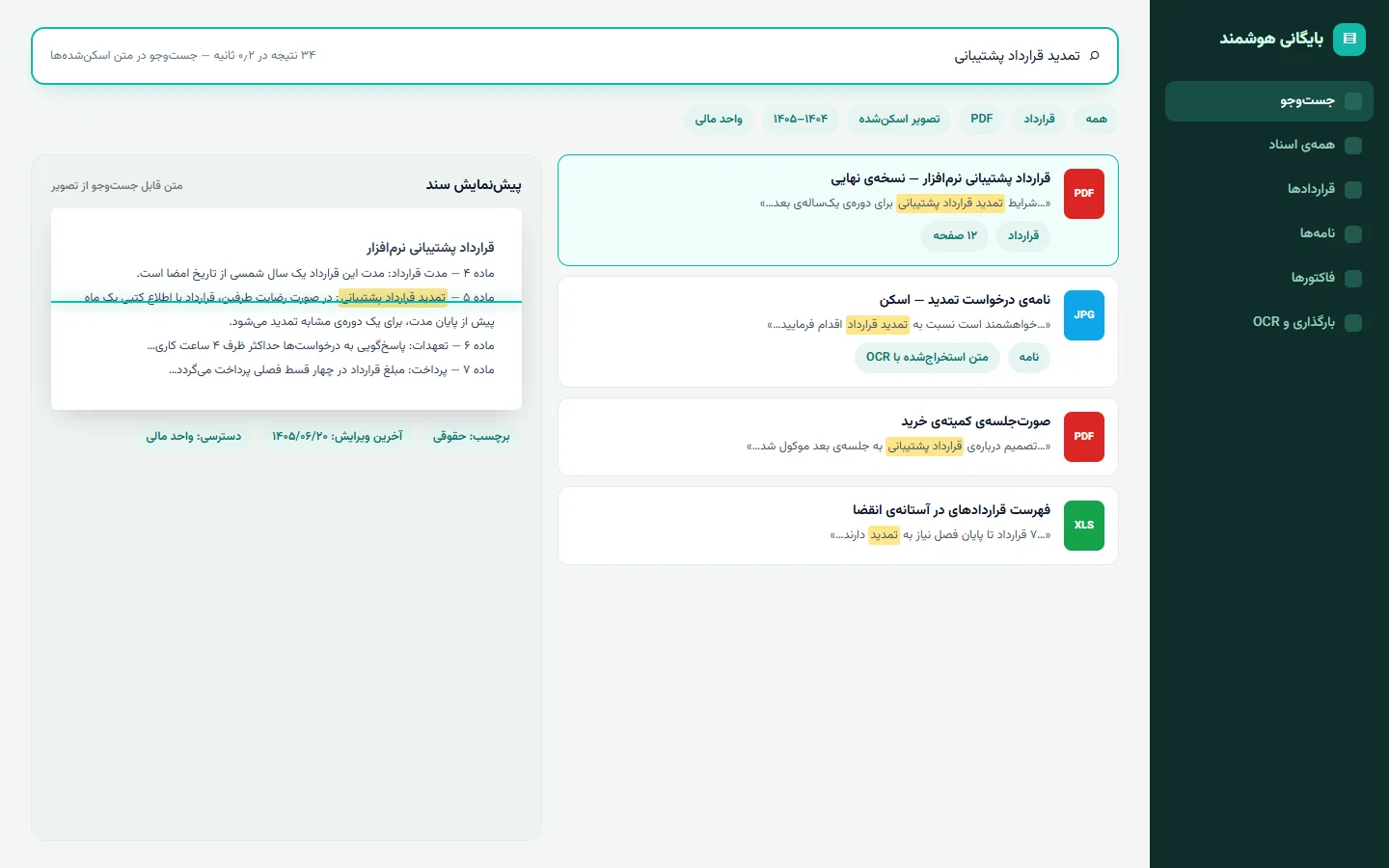
Smart document management system
Archiving and searching company documents, with text extracted from images and PDFs so you can search what they actually say.
View project detailsIf you need something similar or have an idea for custom software, let’s talk about it.