Archiving and searching company documents, with text extracted from images and PDFs so you can search what they actually say.
Overview
A system for keeping company documents in order. Besides storing the files, it extracts the text inside scanned documents and PDFs, so search works on the real content of a document and not just its file name.
The problem
Documents were spread across network folders. Finding a specific one depended on people’s memory, and scanned documents couldn’t be searched at all.
The solution
A system where every document is categorised and tagged on upload. For images and PDFs, the text is extracted with OCR and indexed. Search covers the title, tags and extracted text, and access to each category is controlled by user role.
How I built it
- 01
Each document is categorised and tagged when it is uploaded. For images and PDFs, the text is extracted with OCR and indexed with the document.
- 02
Search works on the title, tags and extracted text, and access to each category is controlled by the user’s role.
Features
- Categorised, tagged archive
- Text extraction from images and PDFs (OCR)
- Full-text search inside documents
- Role-based access control
Result
Documents now live in one searchable archive, and finding one no longer depends on someone’s memory.
Technologies
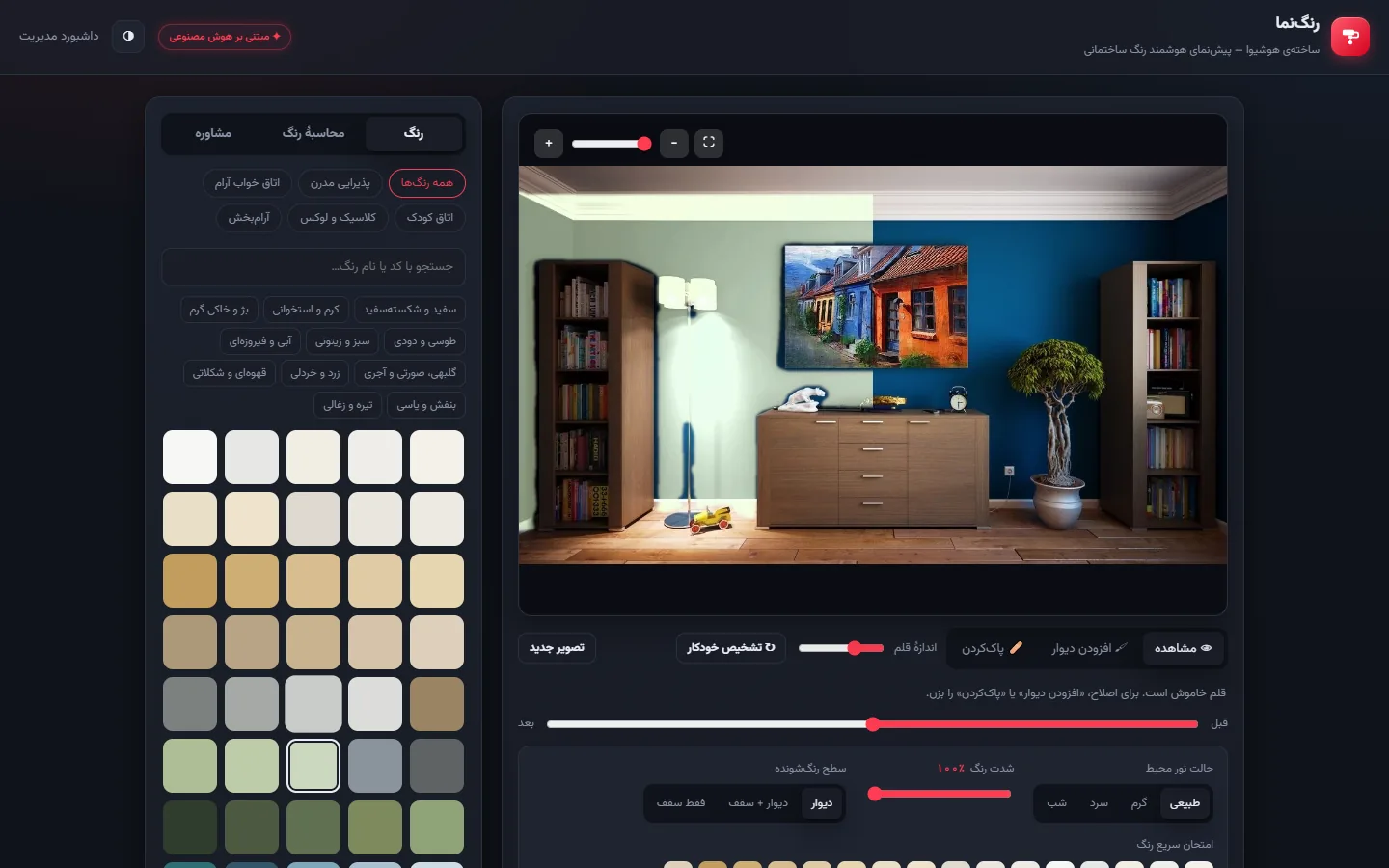
Rangnama: AI paint visualizer for buildings
A customer uploads a photo of a room or a building’s exterior. In a few seconds the AI finds the walls and paints them in the chosen colour, keeping the photo’s real light, shadow and texture.
View project details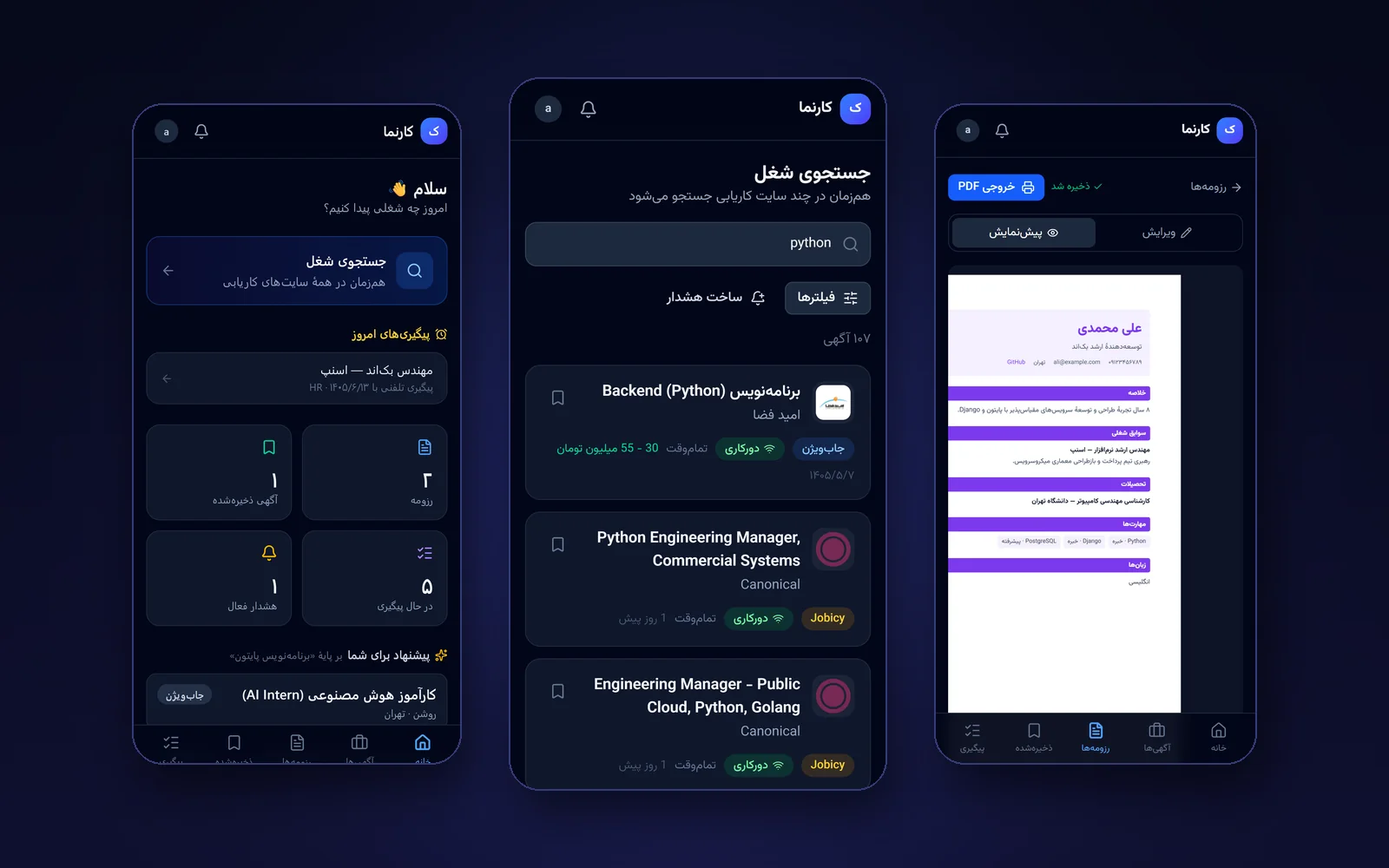
Karnama: smart job search app
A mobile-first app for job seekers: search several job boards at once, build a Persian résumé and track every application.
View project details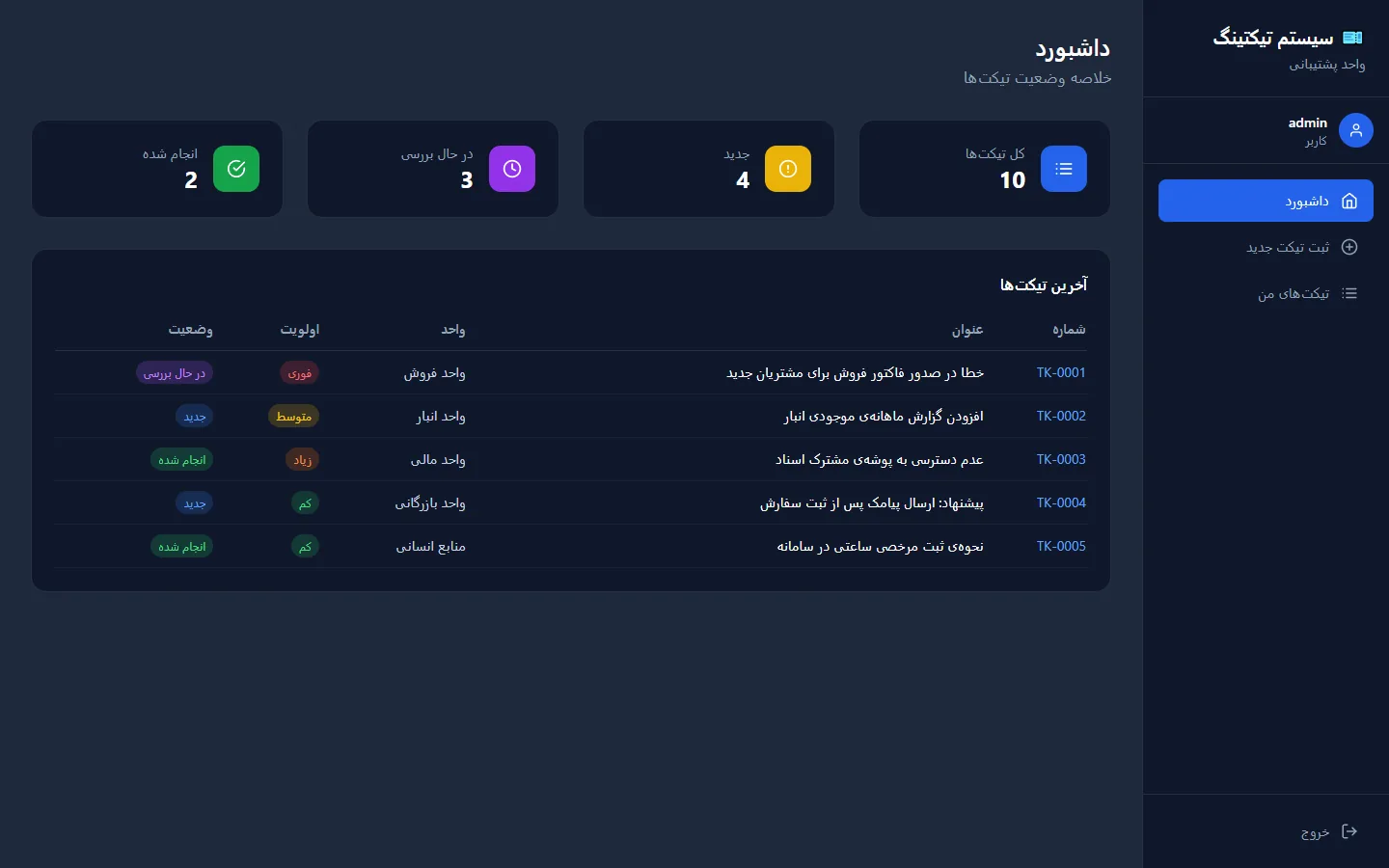
Support ticket management system
Logging and tracking internal support requests, with a status workflow and role-based access.
View project detailsIf you need something similar or have an idea for custom software, let’s talk about it.